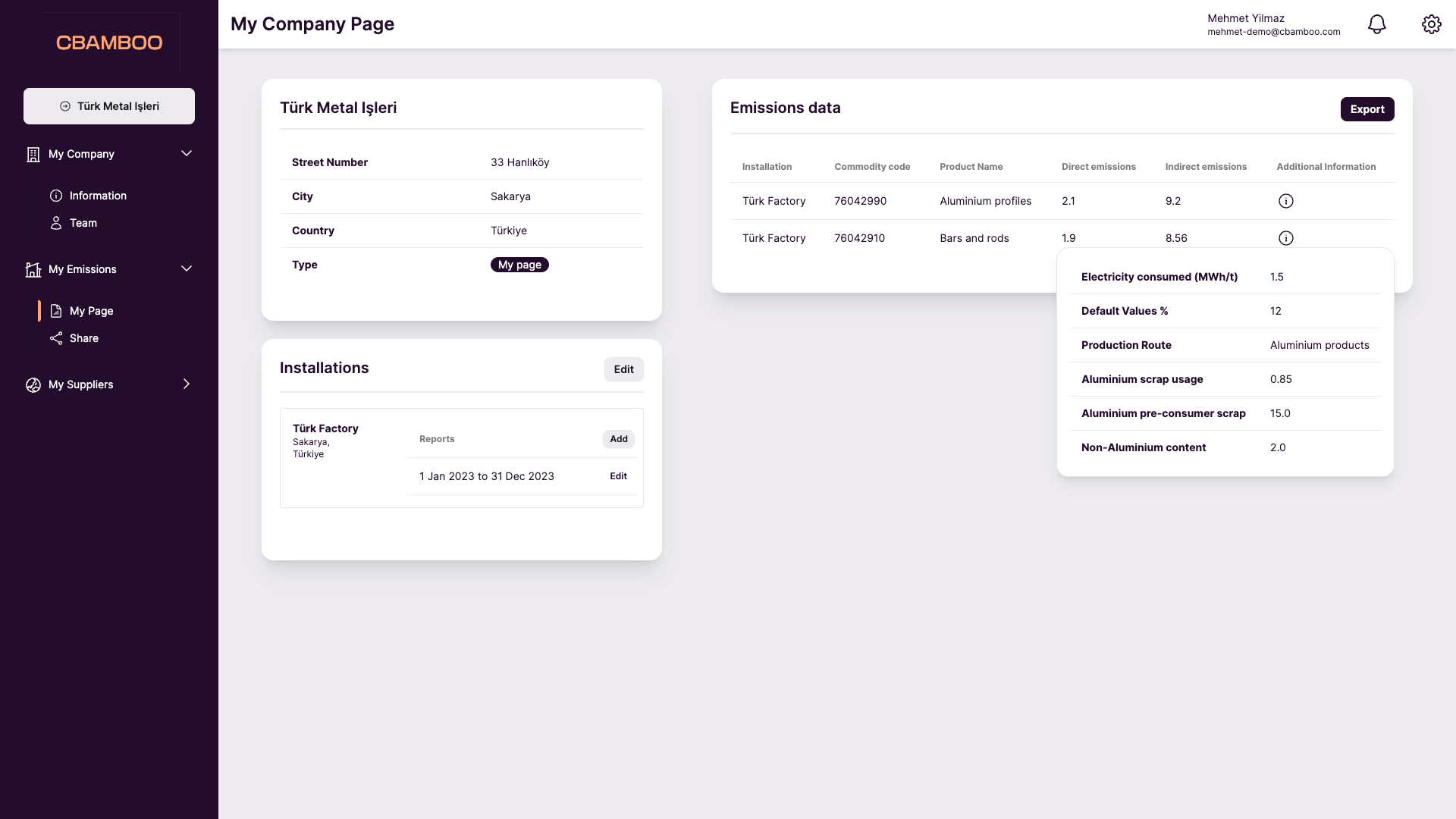
Sharing data with your customers
Once you have calculated your emissions data using either of the two methods described above, you will want to share it with your customers. At the moment, there are two ways of sharing data. Either via the platform, using the ‘Share’ functionality, or by exporting an Excel file which contains the information that your customers require to submit their CBAM reports.Through the platform
When your customers upload the data on the goods that they have imported from their suppliers, this will create a request on your side. First you need to click on “Accept request”.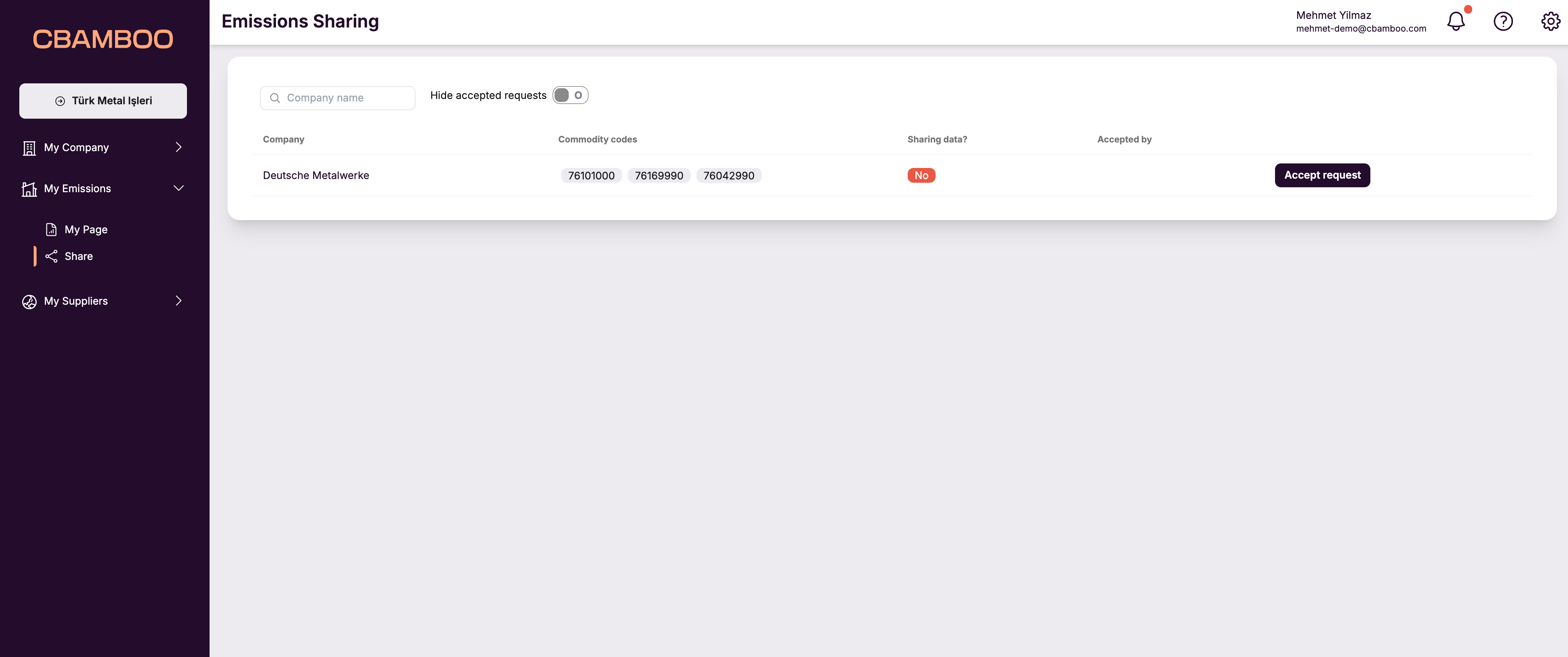
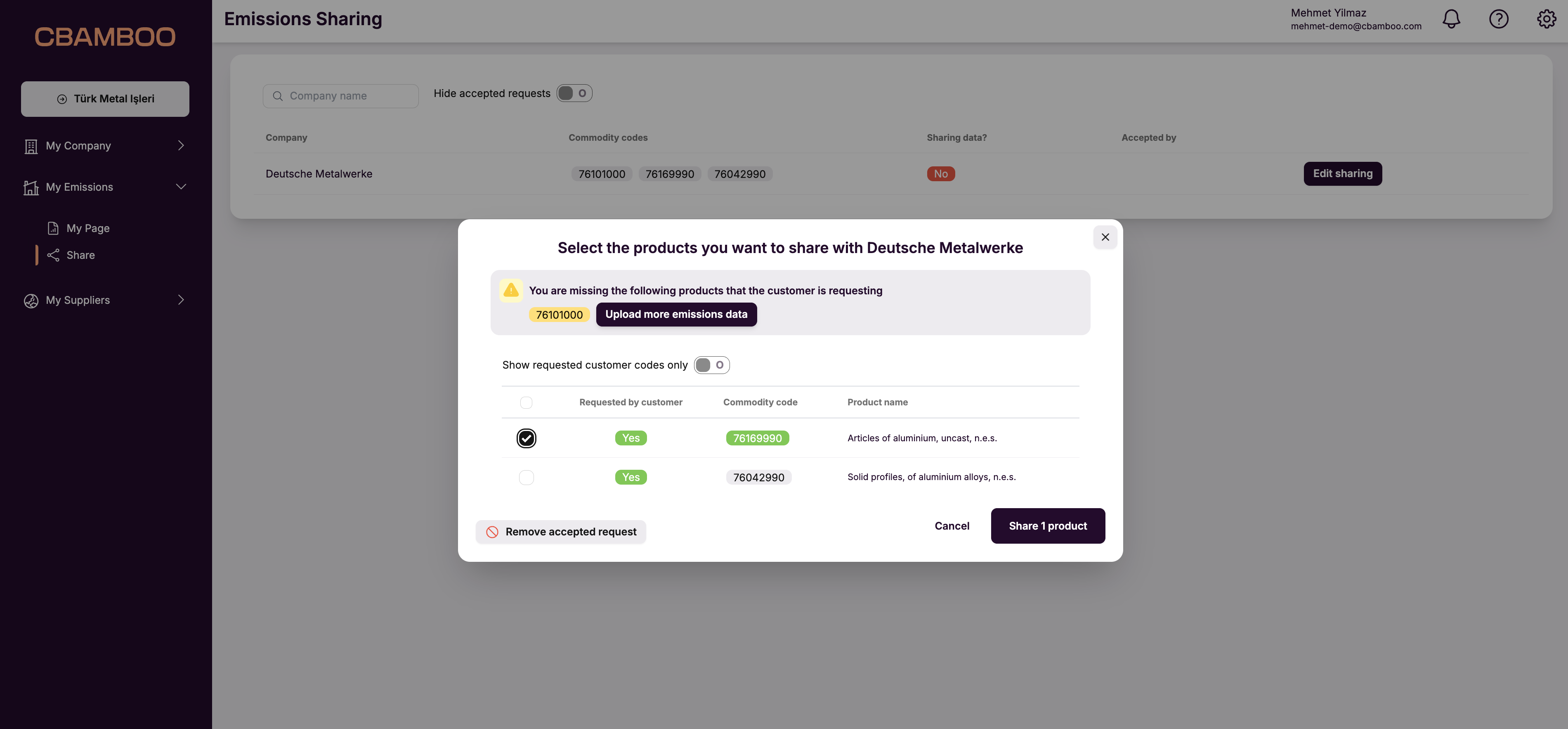
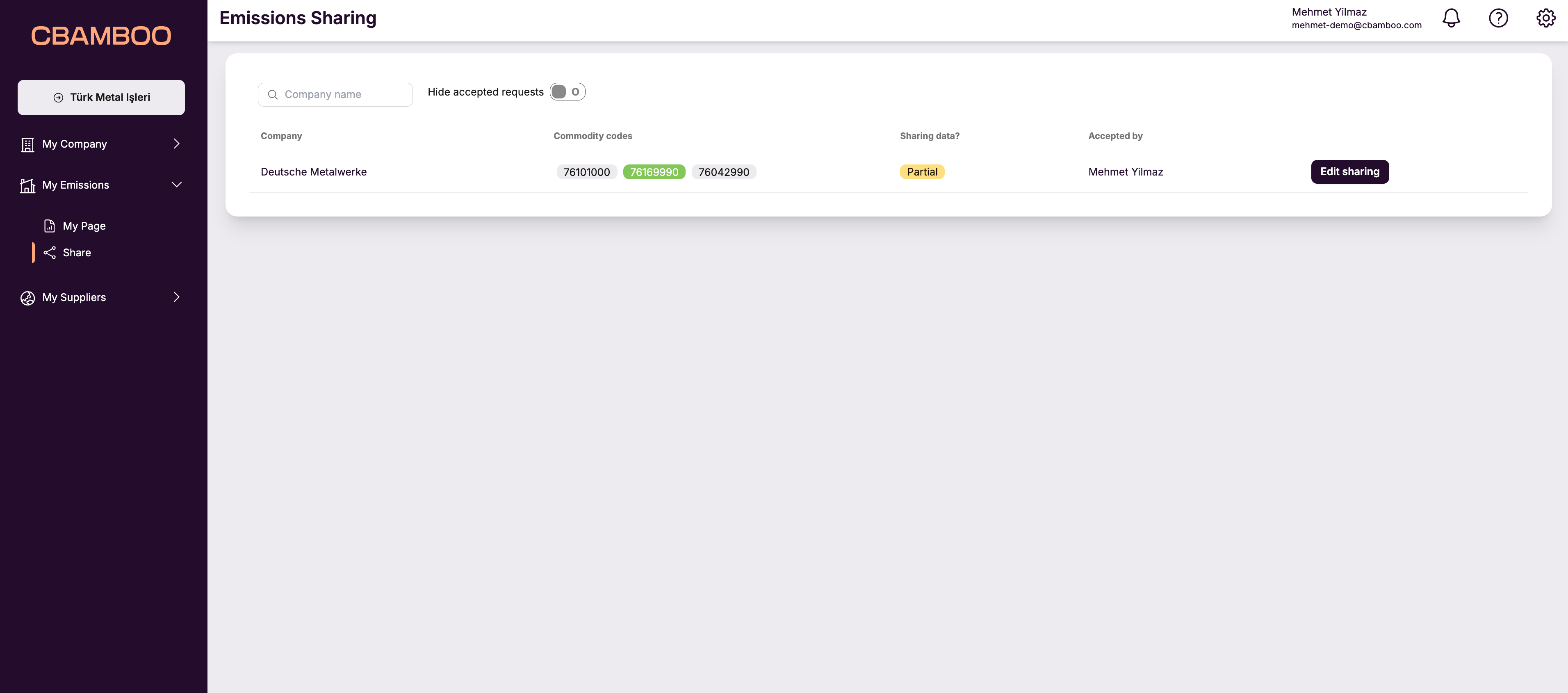
Via the Excel file
As a CBAMBOO subscriber, you have access to a functionality with which you can export your emissions data to an Excel file that you can share with your customers. To do so, click on the ‘Export’ button on the Emissions data table on your page.